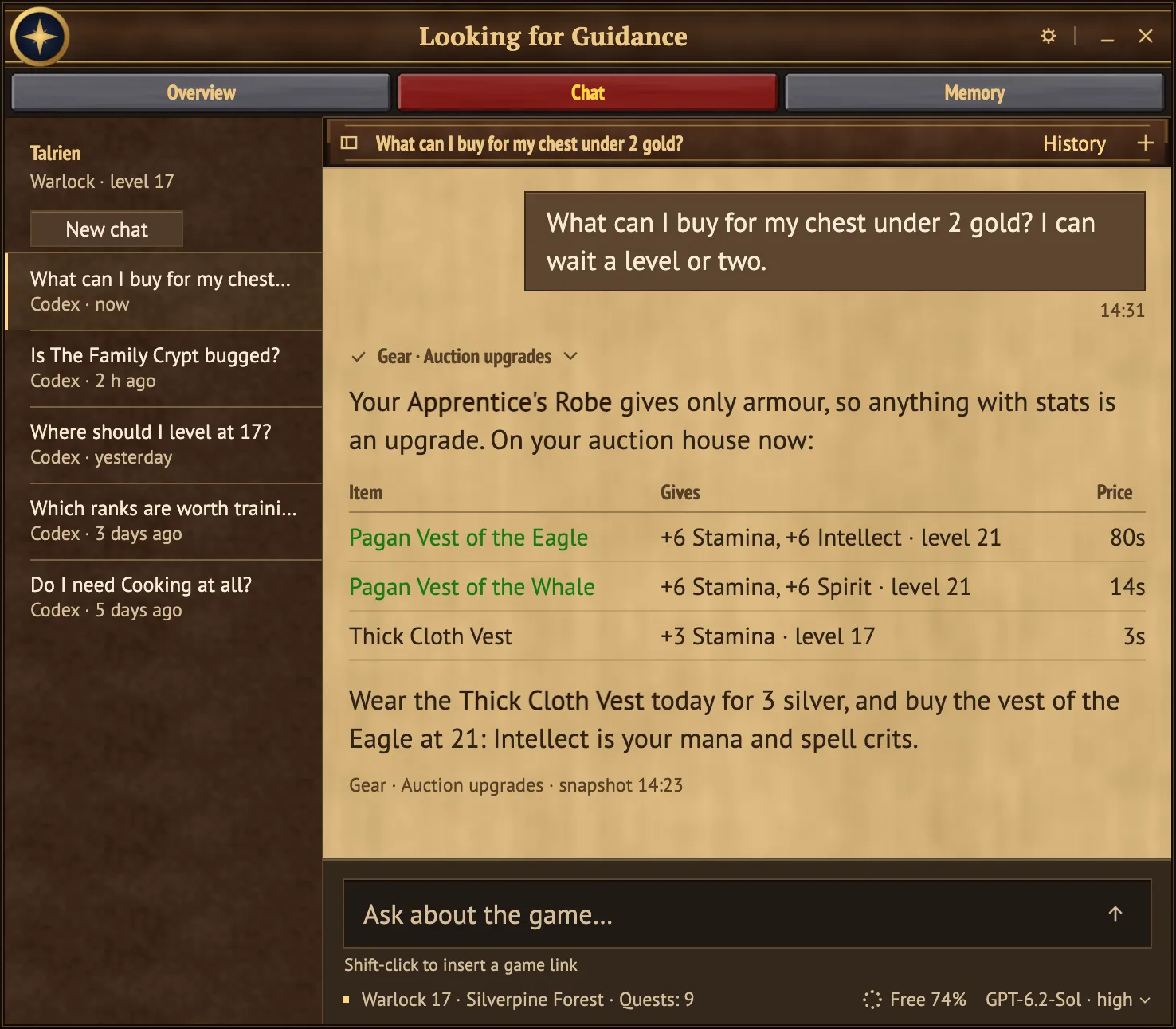
Chat
Type /ask and ask in your own language. Shift-click items, spells and quests into the message.
An adviser inside World of Warcraft: Forever. It knows your character and checks today's sources before it answers.
For macOS 12 or laterFor Windows 10 or later (x64)
Free and open source
Not affiliated with or endorsed by Blizzard Entertainment.
A chat window and a field journal inside the game. They know your level, talents, quest log and bags, and every prepared answer shows its sources and when it was checked.
Type /ask and ask in your own language. Shift-click items, spells and quests into the message.
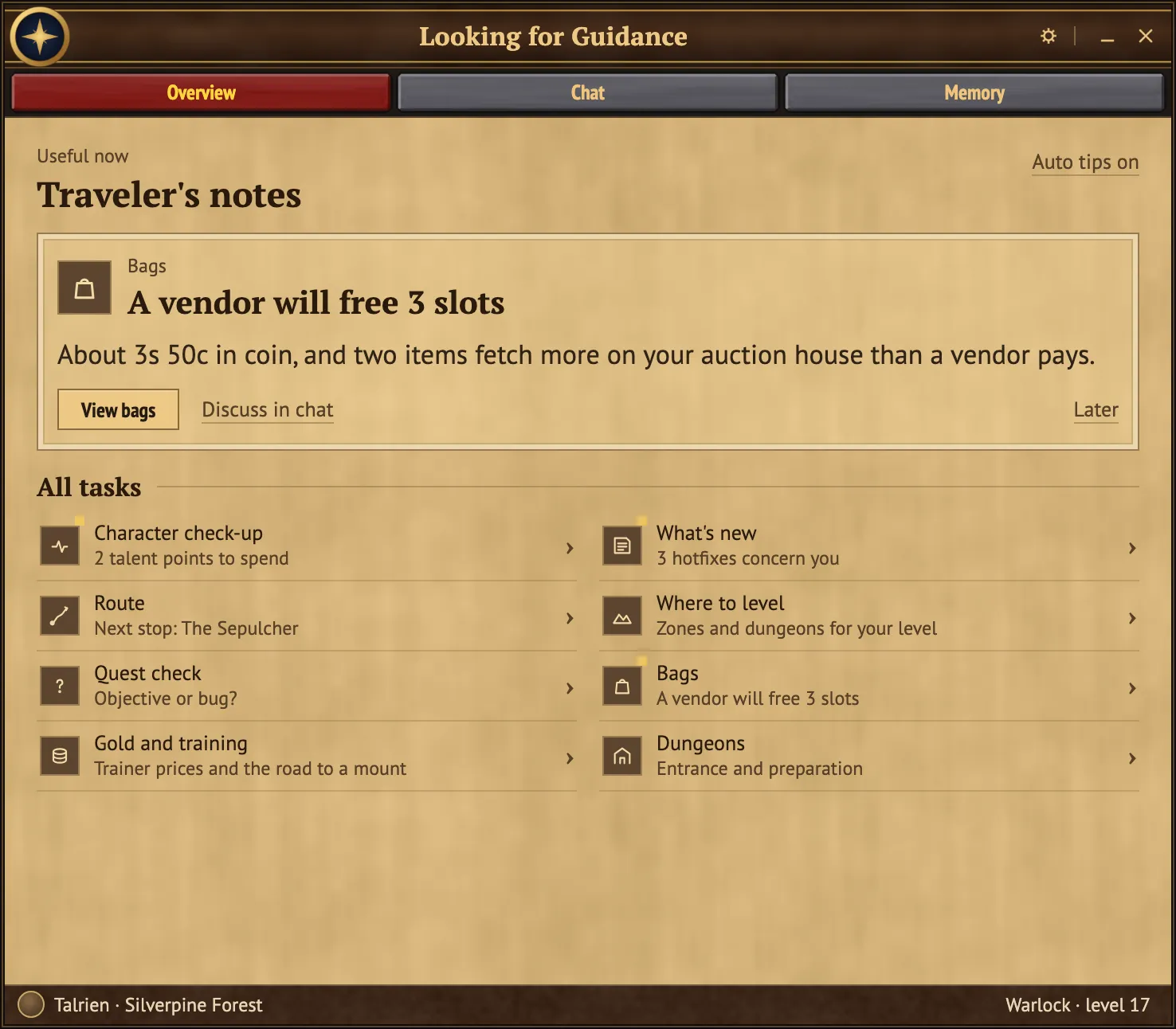
Check-up, What changed, Route, Where to level, Quest check, Bags, Gold and training, Dungeons.
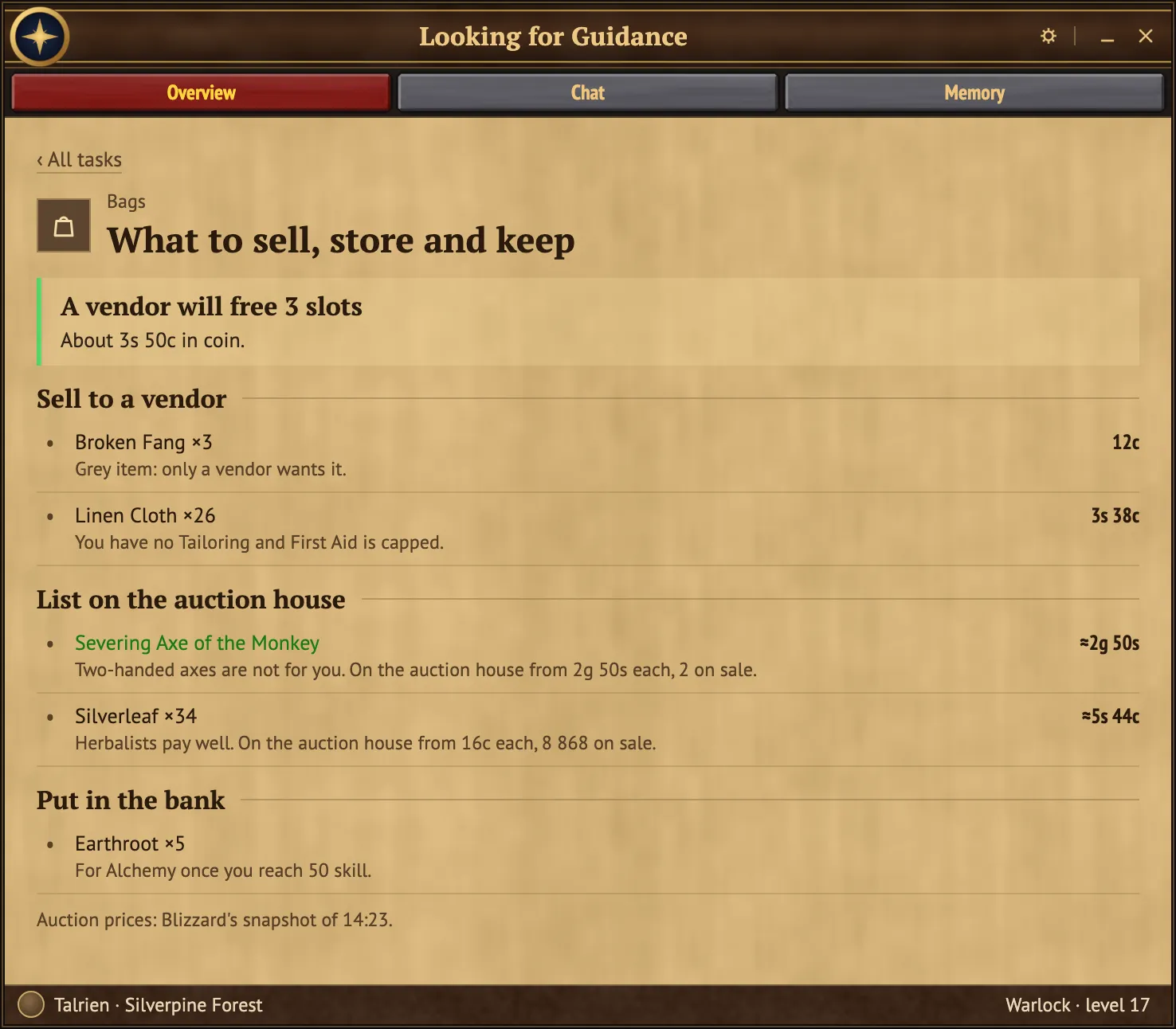
Prices from your own auction house, and the best upgrade for a slot within your budget.
/ask in the game.Advice runs on your own Claude or ChatGPT plan. There is no account to create.
Your chats and everything the app knows about your character stay on your computer. The adviser sees your question and only the parts of your character it needs, and you decide which.
The Battle.net sign-in keeps nothing about your account.
Privacy policy